The macro "rust f1-suicide" for "RUST" can be downloaded and used on any mouse and keyboard.
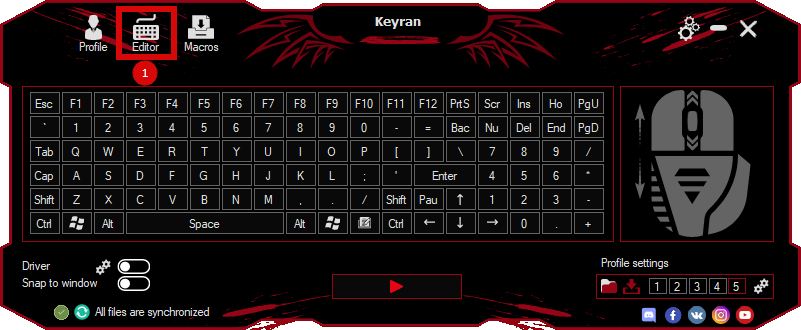
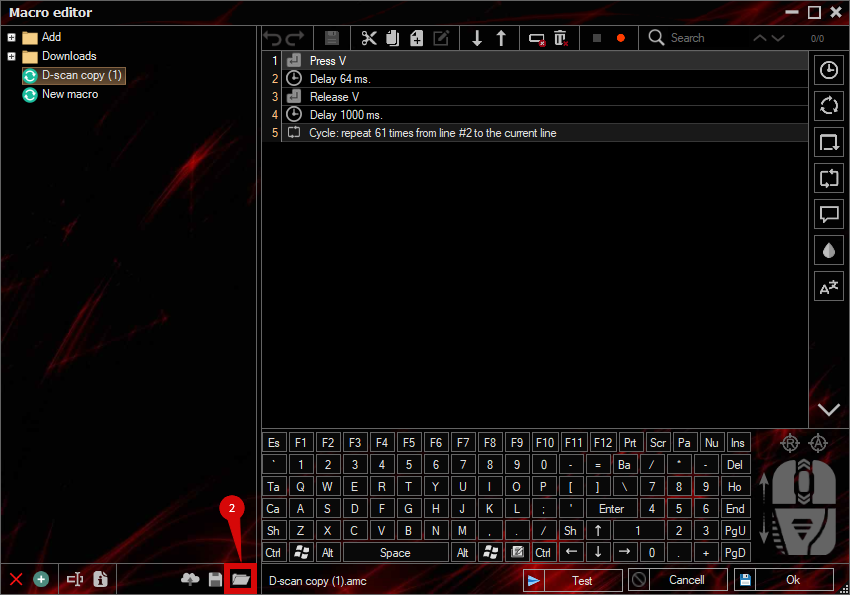
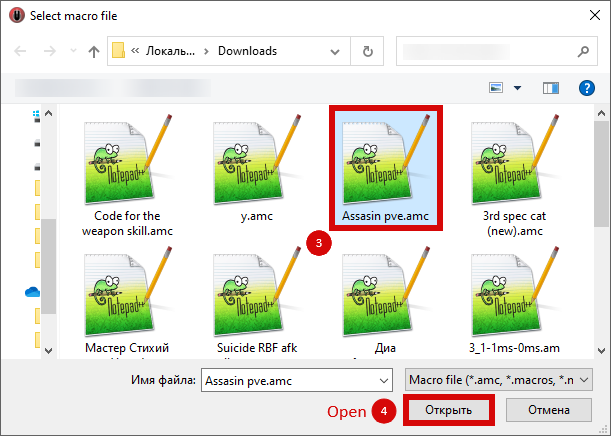
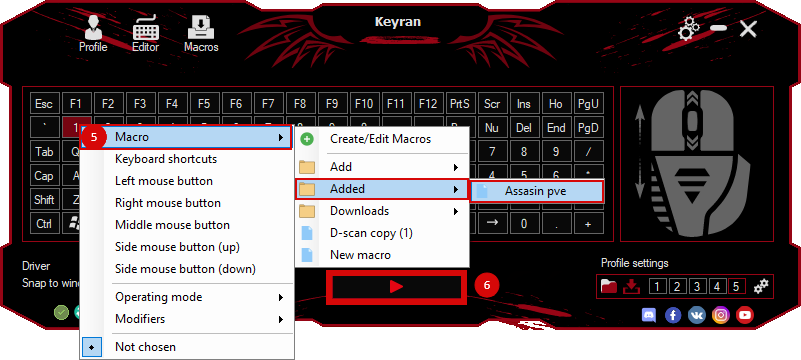
Installing the macro is with one movement in the Keyran program and increases your skill level in the game, if you follow the
instructions!
Macro for the Rust game;

The suicide macro for the Rust game on the Steam platform can be used at a resolution of 1920×1080.

The configuration is shown below:

1. Program settings:
1.1. Enable key recording: ON
1.2. Enable incognito mode: ON (REQUIRED!)
1.3. Use minimum delay: OFF
1.4. Assign to any mouse button
1.5. Operating mode: While the key is pressed

In-game Settings:
- Turn on the F1 console in the Rust game settings.
- No mouse sensitivity adjustment required.
- Set the resolution to 1920×1080.

The macro has been tested on the following components:
- ASUS GTX 1650 i5 laptop
- Windows 10 20H2
- RUST game via Steam.