The macro "Aion 2 Templar" for "Aion 2" can be downloaded and used on simple mouse and keyboard.
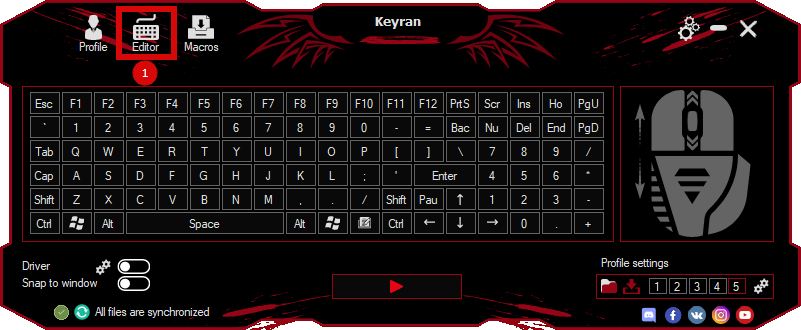
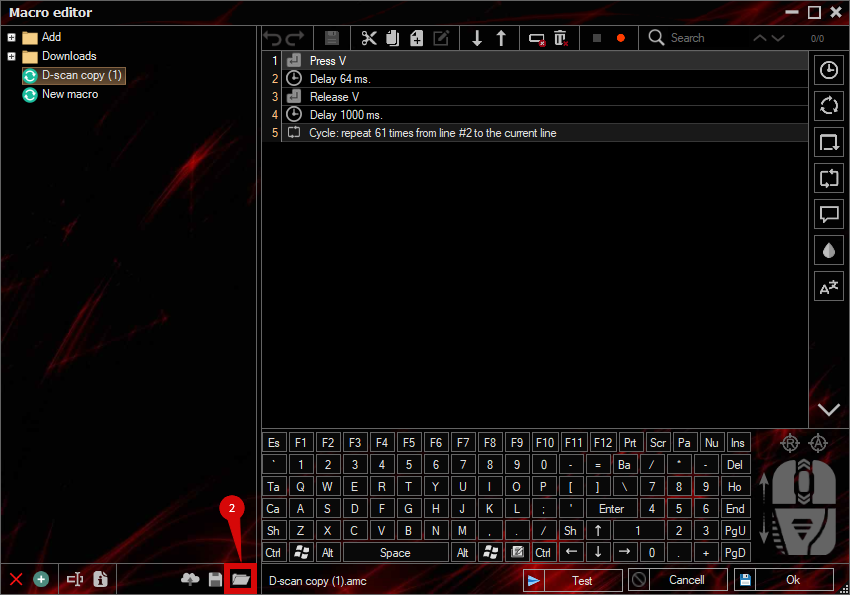
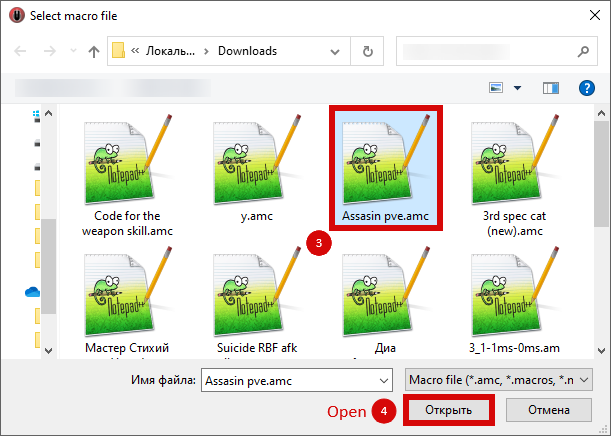
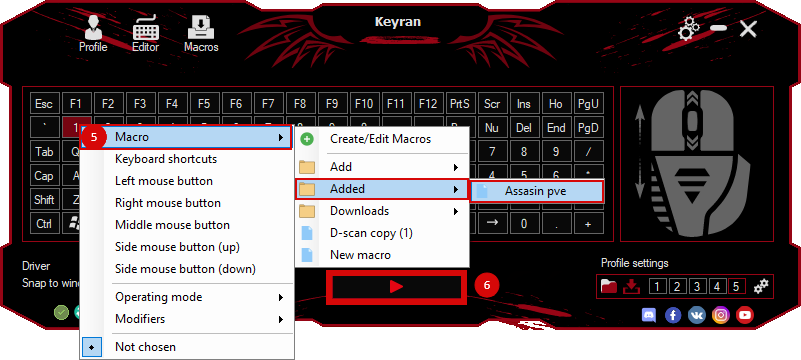
Installing the macro is in the Keyran program and enhances your gaming experience!
A guide to macros for Templar

Basic Attack «Fierce Strike» (R): Place this skill in its standard slot.

«Strike» (T): Keep this skill in the T-slot, however, it should always be at the top of the priority list. For example, if you add «Destruction» to the T-slot, set «Destruction» to the first slot and «Strike» to the second by default.

Pressing the Num 1 key: Place «Eating» in the first slot and «Shield Throw» in the second. How it works: «Apply» → «Eve» → «Shield throw» → camp.

For Num 2:
1 - «Shield Strike»
2 - «Defensive Strike»
3 - «Destruction»
4 - «Fate»

Please note: Since Destiny has a short cooldown time, you may want to consider placing it in the T-slot.

Stigma Management and Control: Stigmas can be freely placed in slots 5, 6, 7 or 8, as these skills are already very effective on their own. TEMPLANG has a variety of control abilities (CC). I recommend using the «Camp Damage» rotation, alternating one CC skill with one powerful attacking skill to maximize total damage.

«Punishment»: Since this is a charge skill, assign it to Q and activate it manually depending on the situation. Approximate combination: «Eating» → «Camp» → «Punishment» (eliminate the opponent to ensure maximum damage from the charge skill).